Get Google reviews faster
from customers you already serve.
Put a QR code on your counter, tables or pickup shelf. Every customer chooses: review you on Google or tell you privately.
Send your details. We set everything up with you.
Here's what your customer sees.
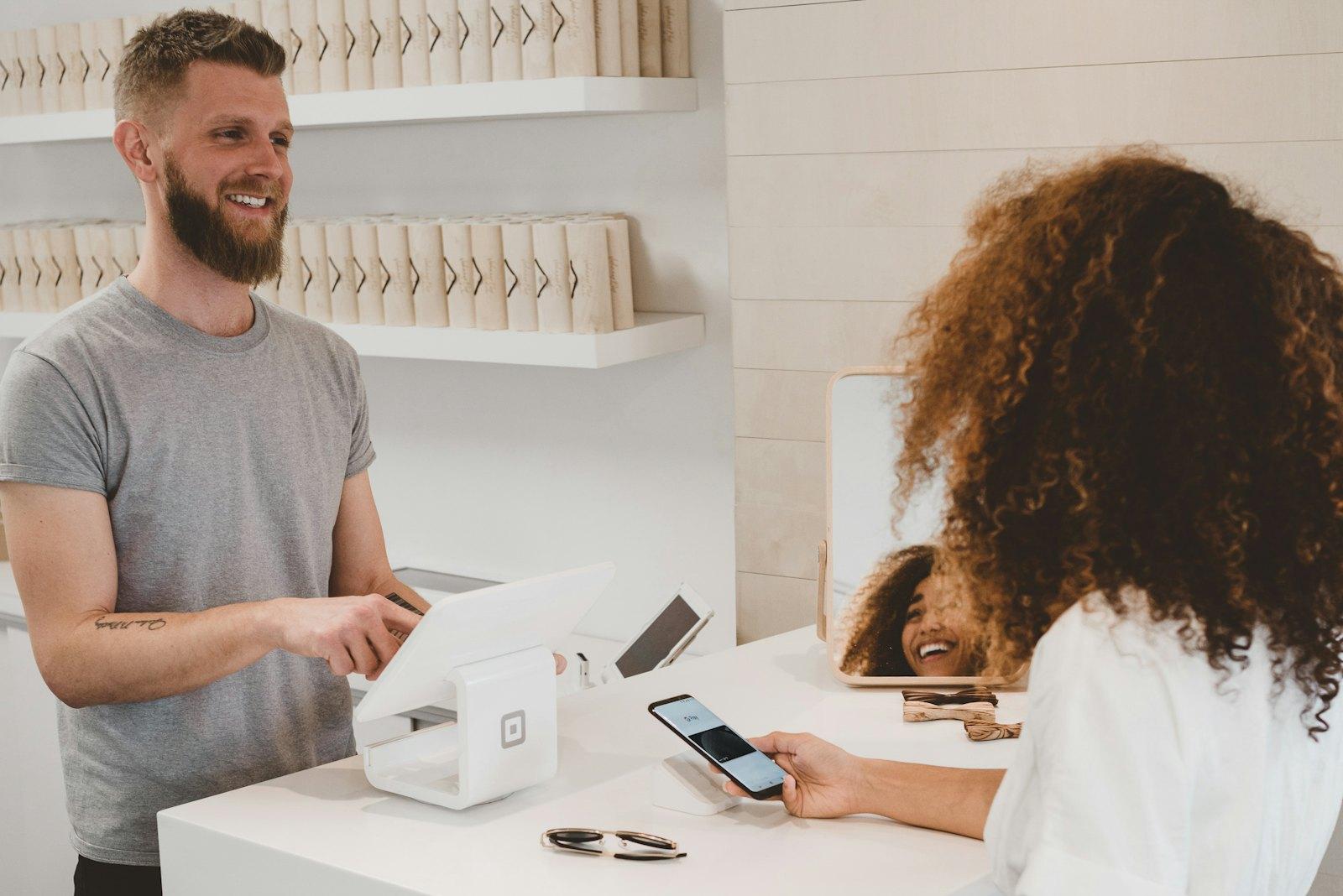
- No app or account for customers
- The Google button is shown to everyone
- Private feedback goes to your inbox
How many Google reviews
could you be missing each month?
Type here to see your opportunity.
illustrative review opportunities in a month
Illustration: customers × 50% scanning × 38% leaving a review × 30 days. Results vary. This is not a forecast or a guarantee of reviews.
How it works
So simple it takes a minute to set up.
Step 1: Customer scans
They point their phone camera at the QR. No app, no account.
Step 2: Customer chooses
A Google review or a private message. Both buttons are always on screen, the same size.
Step 3: You get private feedback
Messages land in your inbox with call and WhatsApp buttons.
Step 4: You track every spot
See scans, Google clicks and private messages for each area.

Put it where customers
already pause.
One code per spot, tracked by area only.
The counter
The moment after paying is the easiest time to ask.
Each table
Give every table area its own code to see which one needs a nudge.
The pickup shelf
Takeaway customers scan while they wait for their order.
Built for places
where customers walk in.
If people visit in person and you have a Google Business Profile, one QR per spot is all it takes.
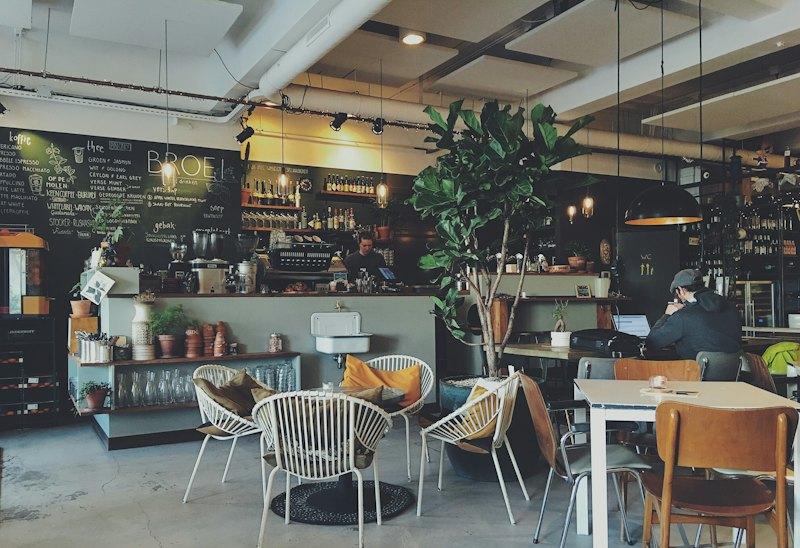
Restaurants & cafes 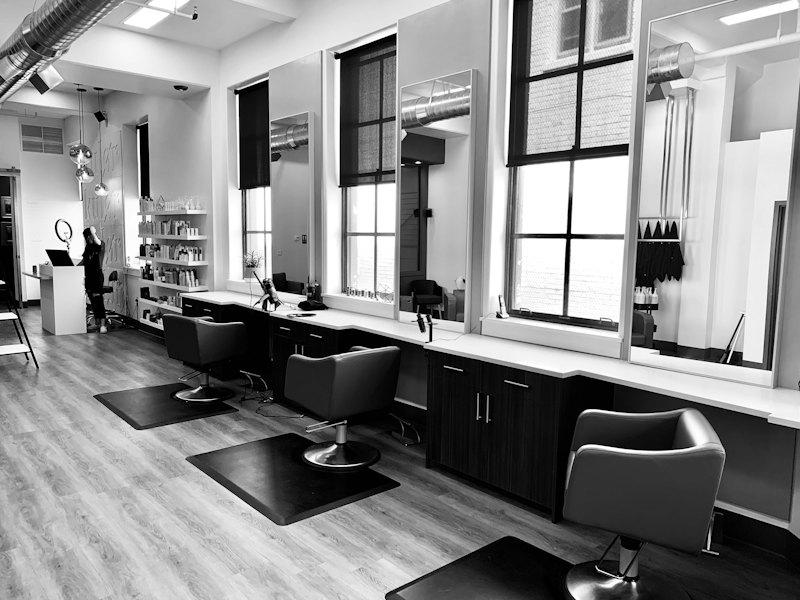
Salons 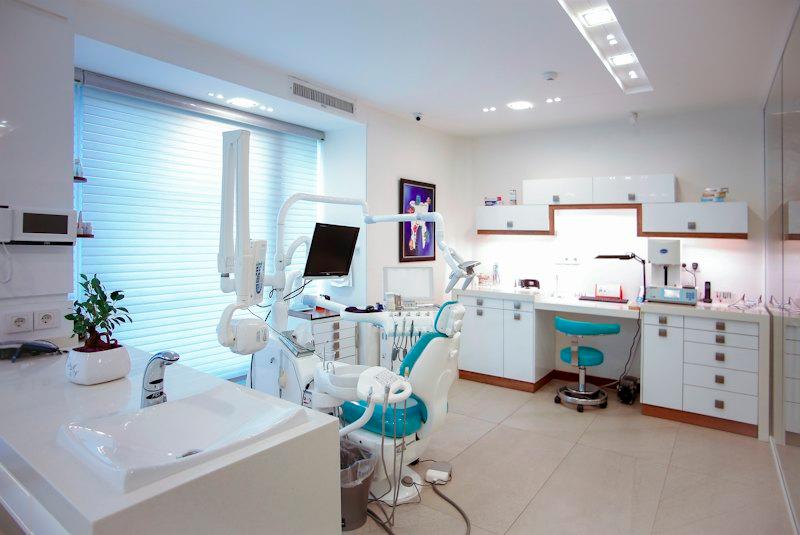
Clinics 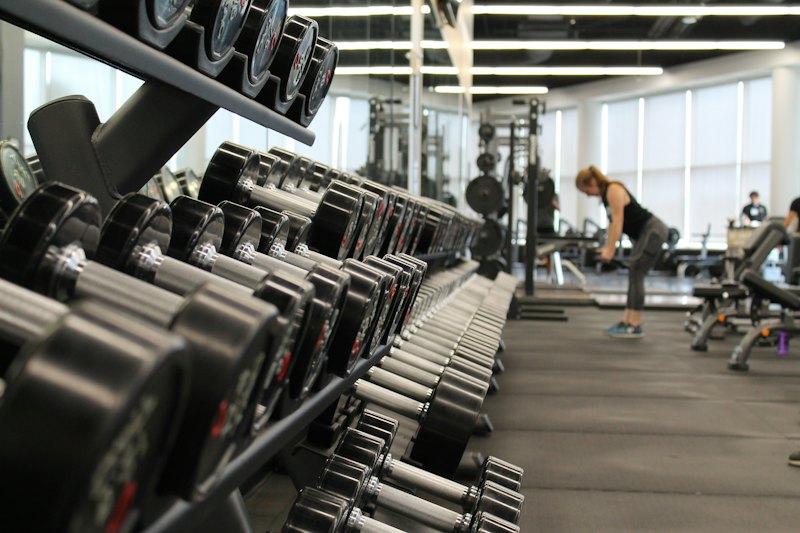
Gyms 
Hotels 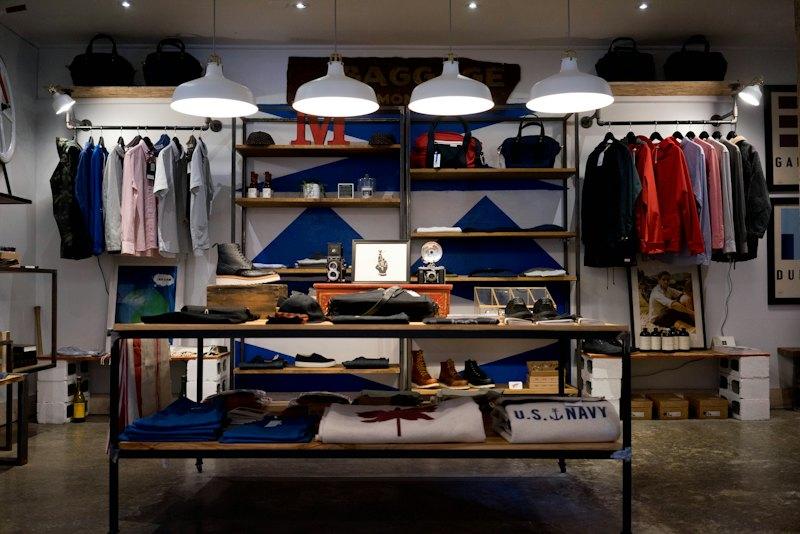
Retail 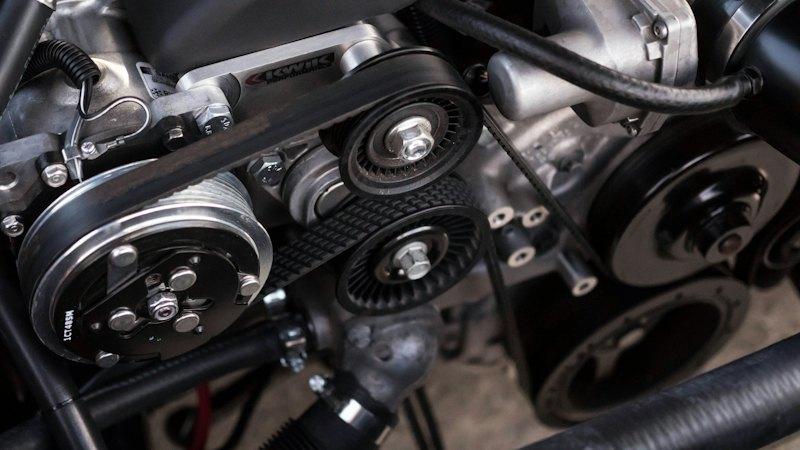
Auto services - Your business, tooGet started
Also works for
- Vets
- Barbers
- Physio
- Opticians
- Spas
- Home services
One QR code hides
where you're missing out.
Give the counter, each table area and the pickup shelf their own code, then see where people scan but don't continue.
One QR code can't tell you which spot needs help.
QR code comparison
Illustrative example- Counter
- Pickup
- Table area
- Entrance
Table area: 45 scans, 5 Google clicks. Check this spot.
Illustrative example. Scans and Google clicks are separate events, and QR codes track areas, never people.
A free Google QR code
is a good start.
See what you add on top of it.
| What you can do |  | Free Google QR |
|---|---|---|
| QR codes | ||
| A separate QR for each spot | Included | Not included |
| Scans counted per QR | Included | Not included |
| Compare QR codes in one place | Included | Not included |
| Reviews and feedback | ||
| Google review button for every customer | Included | Included |
| Private feedback inbox | Included | Not included |
| Google rating and reviews dashboard | Included | Not included |
| Printable A5 poster | Included | Not included |
| Printed QR standeePro | Included | Not included |
Tell us about your business,
we'll set you up.
Send your details and our team will contact you, talk it through with you, and create your account.
No sign-up maze.
Frequently
asked questions
You have questions? We have answers.
Put a QR on your counter
this week.
Setup takes a few minutes. Your customers decide what to share, and you see what happens at every spot.
Ready when you are.